
No products in the cart.
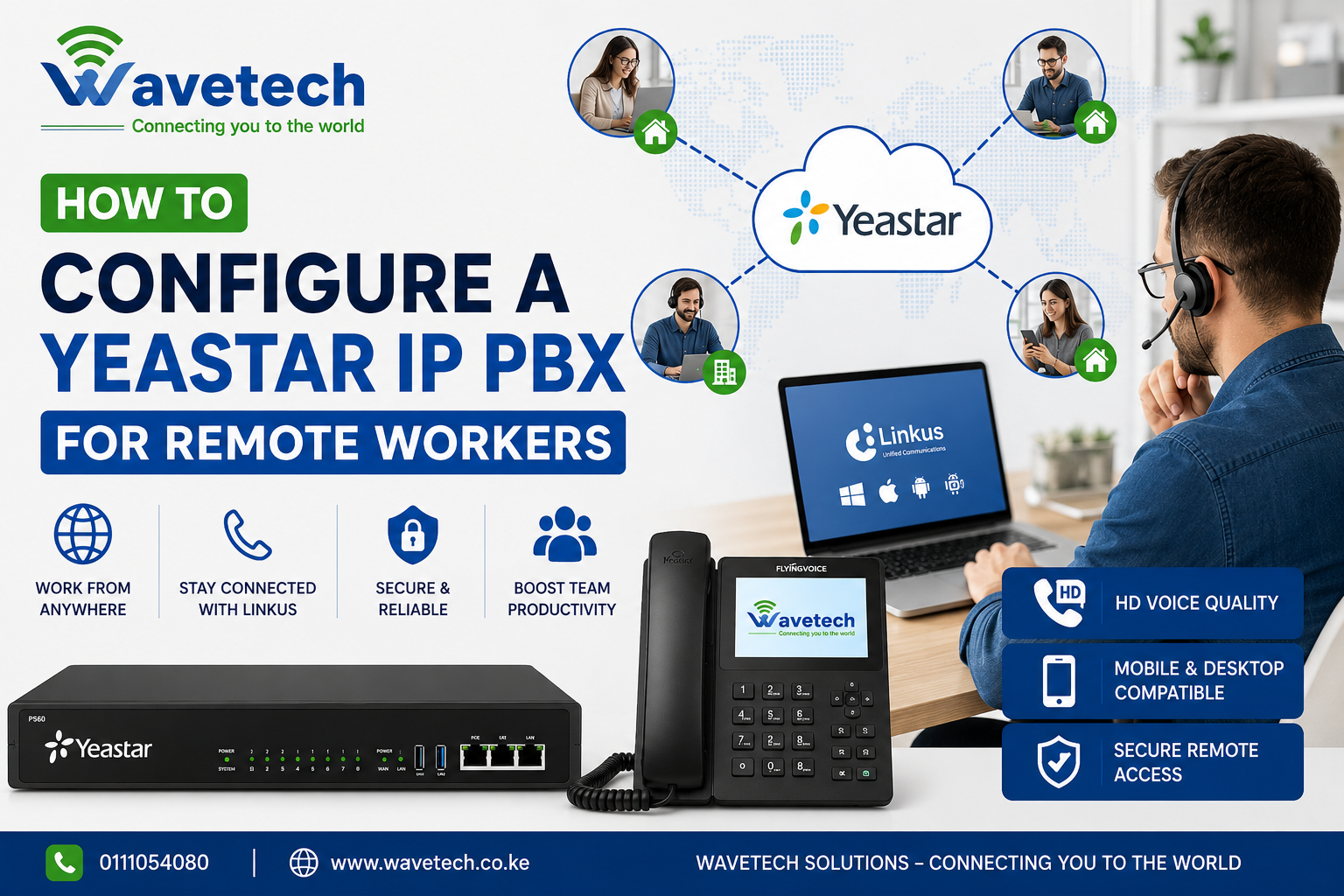
How to Configure a Yeastar IP PBX for Remote Workers
Remote work has become a standard part of modern business operations. To ensure seamless communication between office staff and remote employees, businesses need a reliable phone system that works from anywhere. The Yeastar IP PBX combined with the Linkus UC Client provides a secure and cost-effective solution for remote communication.
Why Use Yeastar for Remote Workers?
Yeastar’s unified communications platform allows employees to make and receive office calls from their laptops, smartphones, or tablets, regardless of their location. This ensures that customers can always reach your team through official business numbers.
Step 1: Prepare Your Yeastar PBX
Before enabling remote access:
- Update the PBX to the latest firmware.
- Ensure SIP trunks are active and tested.
- Configure user extensions for all remote employees.
- Set strong passwords for extensions.
Step 2: Enable Remote Access
There are two recommended methods:
Option A: Yeastar Remote Access Service (Recommended)
- Log in to the PBX web interface.
- Navigate to Linkus > Linkus Server.
- Enable Linkus services.
- Generate activation details for each extension.
This method is secure and does not require complex firewall configurations.
Option B: Public IP Configuration
If using a public IP:
- Configure NAT settings correctly.
- Forward required ports:
- SIP: 5060
- RTP: 10000–12000
- HTTPS: 443 or custom port
- Set the external IP in the PBX settings.
Step 3: Install Linkus
Users can download the Linkus app on:
- Windows
- macOS
- Android
- iPhone
After installation:
- Scan the QR code generated by the PBX.
- Log in using extension credentials.
Step 4: Test Communication
Verify:
- Internal extension calls
- Incoming calls
- Outbound calls
- Voicemail access
- Call transfer functionality
Best Practices
- Enable TLS and SRTP encryption.
- Use strong extension passwords.
- Restrict international dialing if not required.
- Configure automatic backups.
- Keep firmware updated.
Benefits of Remote Yeastar Deployment
✅ Work from anywhere
✅ Maintain professional business numbers
✅ Reduce communication costs
✅ Improve customer service
✅ Support hybrid work environments
✅ Access voicemail, call recordings, and presence status remotely
Why Wavetech Recommends Yeastar
At Wavetech Solutions, we deploy and support Yeastar PBX systems for businesses across Kenya. Whether you’re using a Yeastar S20, S50, P550, P560, or P570, we can help configure secure remote working solutions with Linkus, SIP trunks, and mobile extensions.
📞 Call or WhatsApp: 0111054080
🌐 Website: www.wavetech.co.ke
Wavetech Solutions – Connecting You to the World


Related posts

Looking to launch a profitable WiFi hotspot business? With the right equipment and billing platform, you can provide secure and reliable internet access to homes,... Continue reading

Managing employee attendance manually can be time-consuming and prone to errors. At Wavetech Solutions, we help businesses automate attendance tracking by integrating ZKTeco F18 biometric... Continue reading

Did you know that a properly aligned Point-to-Point (PtP) wireless link can deliver fiber-like speeds over several kilometers without laying a single meter of cable?... Continue reading

Did You Know? 💡 Many network installers still think outdoor access points can only be connected using Ethernet cable. However, the Ruijie Reyee RG-RAP6262(G) comes... Continue reading
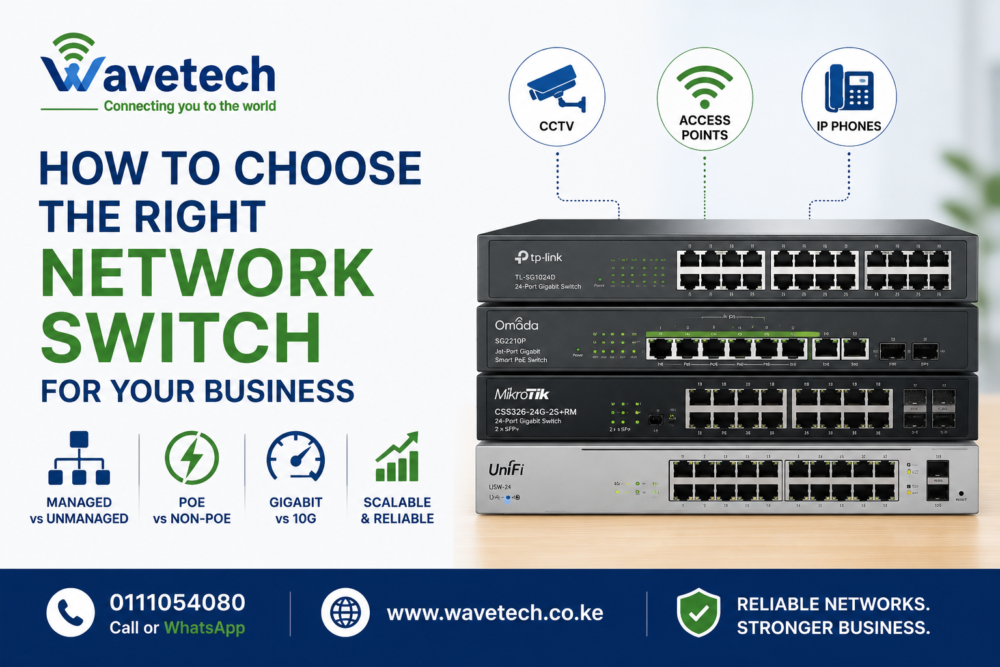
A network switch is the backbone of your business network. Whether you’re connecting computers, CCTV cameras, access points, VoIP phones, or servers, choosing the right... Continue reading

Add comment