
No products in the cart.
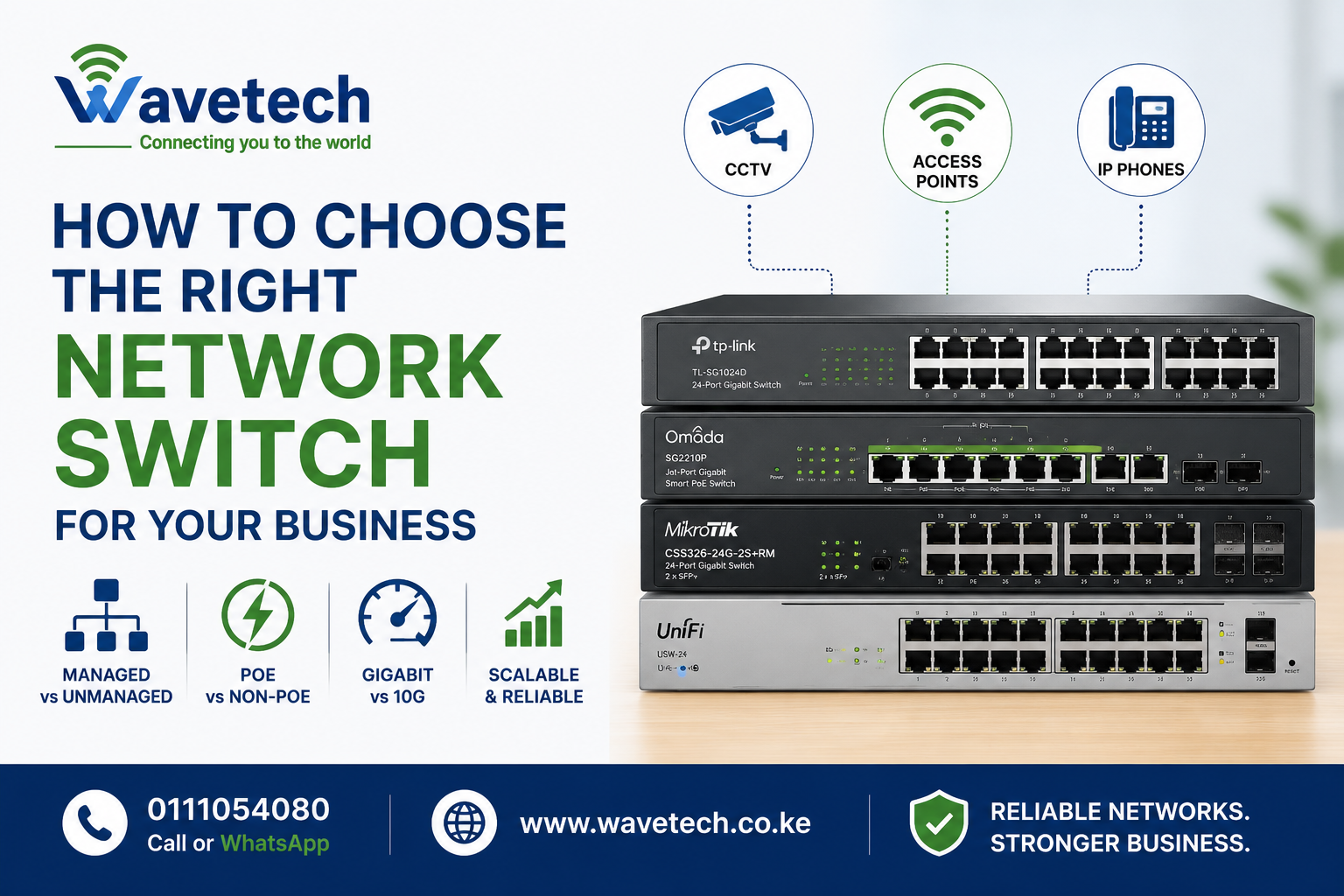
How to Choose the Right Network Switch for Your Business
A network switch is the backbone of your business network. Whether you’re connecting computers, CCTV cameras, access points, VoIP phones, or servers, choosing the right switch can improve performance, reliability, and scalability.
1. Understand Your Device Requirements
Before buying a switch, count:
- Computers and laptops
- CCTV cameras
- Access points
- IP phones
- Printers and servers
Always plan for future growth.
2. Managed vs Unmanaged Switches
Unmanaged Switches
✅ Plug and play
✅ Lower cost
✅ Ideal for small offices
Managed Switches
✅ VLAN support
✅ Traffic monitoring
✅ Network security features
✅ Better for growing businesses
3. PoE vs Non-PoE
PoE (Power over Ethernet) switches power devices through the network cable.
Ideal for:
- CCTV Cameras
- WiFi Access Points
- VoIP Phones
4. Gigabit vs 10G
- Gigabit switches are suitable for most offices.
- 10G switches are recommended for servers, NVRs, and high-traffic networks.
Wavetech Recommendations
Small Office
- Netis 8-Port Gigabit Switch
- TP-Link TL-SG1016D
Medium Business
- TP-Link Omada Managed PoE Switch
- Grandstream GWN7802P
Enterprise
- MikroTik CRS Series
- Ubiquiti UniFi Switches
Common Mistakes
❌ Buying too few ports
❌ Ignoring PoE requirements
❌ Choosing unmanaged switches for large networks
❌ No room for expansion
A properly selected switch improves network speed, VoIP quality, CCTV reliability, and overall business productivity.
📞 Call or WhatsApp: 0111054080
🌐 www.wavetech.co.ke
Wavetech Solutions – Connecting You to the World


Related posts

Looking to launch a profitable WiFi hotspot business? With the right equipment and billing platform, you can provide secure and reliable internet access to homes,... Continue reading

Managing employee attendance manually can be time-consuming and prone to errors. At Wavetech Solutions, we help businesses automate attendance tracking by integrating ZKTeco F18 biometric... Continue reading

Did you know that a properly aligned Point-to-Point (PtP) wireless link can deliver fiber-like speeds over several kilometers without laying a single meter of cable?... Continue reading

Did You Know? 💡 Many network installers still think outdoor access points can only be connected using Ethernet cable. However, the Ruijie Reyee RG-RAP6262(G) comes... Continue reading
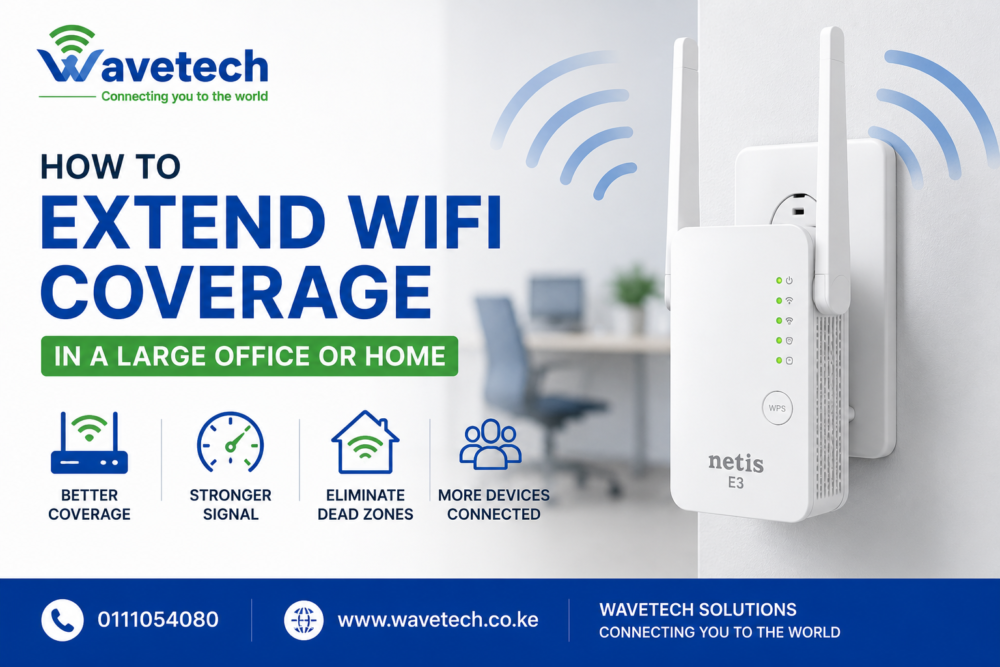
Weak WiFi signals can be frustrating, especially in large homes, offices, warehouses, schools, and business premises. Dead zones, slow internet speeds, and dropped connections can... Continue reading

Add comment