
No products in the cart.

What Are the Default Admin Login Credentials for a V-SOL ONU?
If you’re setting up or troubleshooting a V-SOL G/EPON ONU such as the V2804N, you’ll need the default administrator login details to access the device settings.
🔐 Default Admin Login Details
For this V-SOL ONU, the default admin credentials are:
- Username:
admin - Password:
stdONU101
🌐 How to Access the Admin Interface
- Connect your computer or phone to the ONU via Wi-Fi or Ethernet cable.
- Open a web browser and go to:
http://192.168.1.1 - Enter the admin username and password above.
- You will now have full access to the ONU configuration panel.
⚠️ Important Security Tip
For security reasons, it’s strongly recommended to change the default admin password immediately after setup. Leaving default credentials unchanged can expose your network to unauthorized access.
📡 Supported Device Example
- Brand: V-SOL
- Model: V2804N
- Type: G/EPON ONU
This information is useful for:
- ISPs and network technicians
- Home fiber internet users
- Initial ONU installations and resets
If you need help configuring Wi-Fi, VLANs, PPPoE, or registering the ONU on your OLT, feel free to reach out. 0726070450



Related posts

Looking to launch a profitable WiFi hotspot business? With the right equipment and billing platform, you can provide secure and reliable internet access to homes,... Continue reading

Managing employee attendance manually can be time-consuming and prone to errors. At Wavetech Solutions, we help businesses automate attendance tracking by integrating ZKTeco F18 biometric... Continue reading

Did you know that a properly aligned Point-to-Point (PtP) wireless link can deliver fiber-like speeds over several kilometers without laying a single meter of cable?... Continue reading

Did You Know? 💡 Many network installers still think outdoor access points can only be connected using Ethernet cable. However, the Ruijie Reyee RG-RAP6262(G) comes... Continue reading
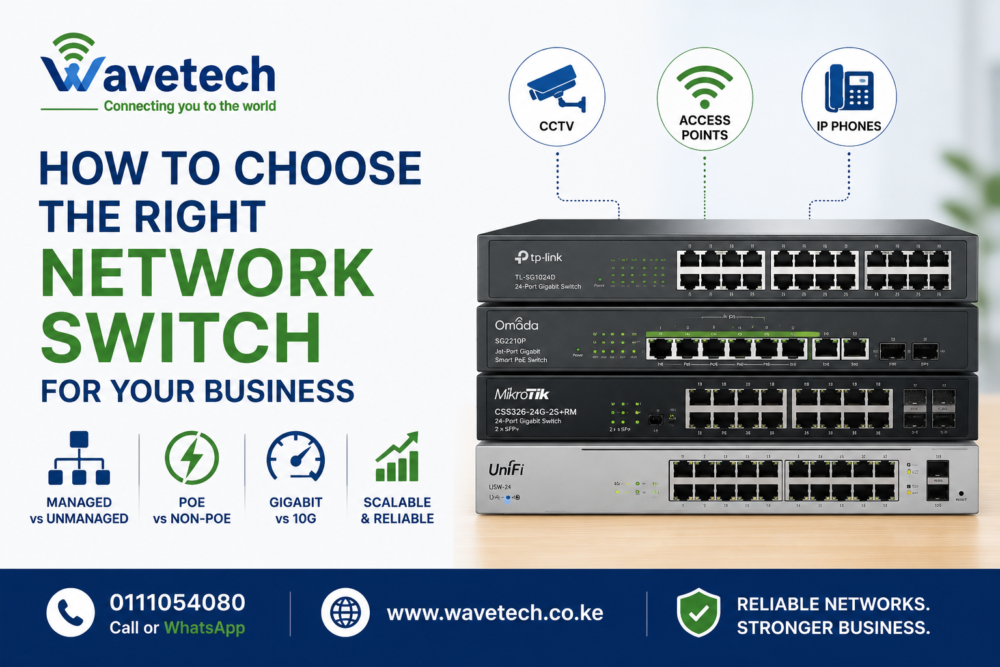
A network switch is the backbone of your business network. Whether you’re connecting computers, CCTV cameras, access points, VoIP phones, or servers, choosing the right... Continue reading

Add comment