No products in the cart.

Starlink M-Pesa Payment Failed? How to Fix “Please Contact Your Bank to Authorize Payment”
Many Starlink users in Kenya occasionally encounter the error:
“Please contact your bank to authorize payment, or use an alternate payment method.”
This can be frustrating, especially when you have sufficient M-Pesa balance and have successfully used the same payment method before.
What Causes the Error?
Several factors can trigger this message:
- Temporary Starlink payment gateway issues
- Failed communication between Starlink and M-Pesa
- Billing profile validation errors
- Account payment verification problems
- Temporary service interruptions
In some cases, users report that the error appears immediately after clicking “Pay Now” without receiving an M-Pesa STK push request. This suggests the payment request may not be reaching Safaricom’s M-Pesa platform.
Troubleshooting Steps
1. Verify Your M-Pesa Balance
Ensure your wallet has enough funds to cover the monthly subscription.
2. Confirm Your Phone Number
Check that the number registered in your Starlink account matches the M-Pesa number.
3. Retry Later
Temporary gateway issues can resolve themselves after several hours.
4. Check Billing Information
Confirm that your billing profile and account information are up to date.
5. Try Another Payment Method
If available, temporarily use a Visa or Mastercard while waiting for the issue to be resolved.
6. Contact Starlink Support
Submit a support ticket and include:
- Screenshot of the error
- Date and time of the attempted payment
- Registered phone number
- Confirmation that no STK push was received
Key Insight
If no M-Pesa prompt appears and the error displays immediately, the issue is unlikely to be insufficient funds. The payment request may be failing before reaching the mobile money gateway.
Need Help with Starlink in Kenya?
Wavetech Solutions assists businesses and homes with Starlink installations, networking, WiFi optimization, and business internet solutions.
📞 Call or WhatsApp: 0111054080
Direct starlink Support 0726070450
🌐 www.wavetech.co.ke
Wavetech Solutions – Connecting You to the World


Related posts

🛡️ Secure Your Business with FortiGate Firewalls Protect your network, users, applications, and data with industry-leading FortiGate Next-Generation Firewalls (NGFWs). Whether you’re a small business,... Continue reading
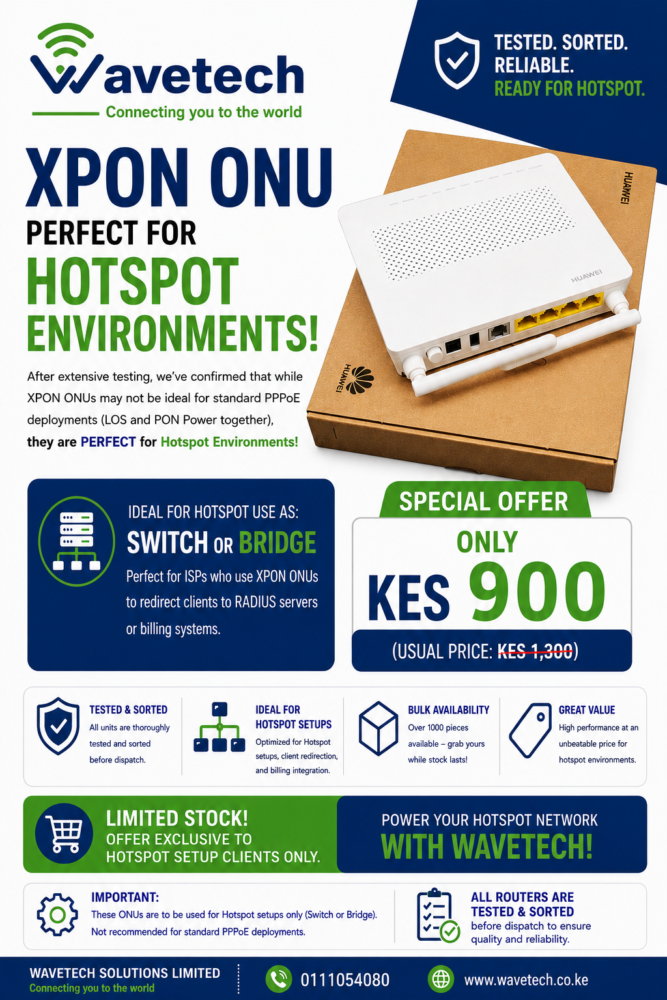
Wavetech Solutions Limited is offering XPON ONU routers specially tested and sorted for hotspot environments. These units are suitable for ISPs and hotspot installers who... Continue reading
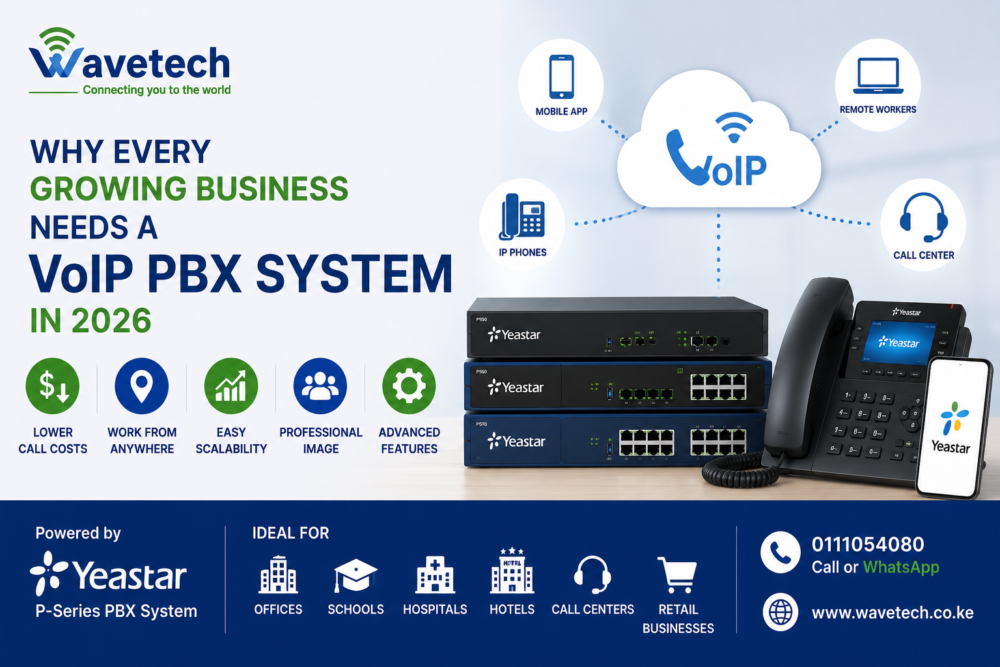
As businesses grow, communication becomes more important. Traditional phone systems are expensive, difficult to scale, and often lack modern collaboration features. A VoIP PBX system... Continue reading

Security is becoming a top priority for businesses across Kenya. Whether you run a retail shop, office, warehouse, school, apartment, or factory, investing in the... Continue reading

As businesses become more dependent on cloud applications, VoIP calls, video conferencing, CCTV systems, and wireless devices, choosing the right WiFi technology is more important... Continue reading

Add comment